
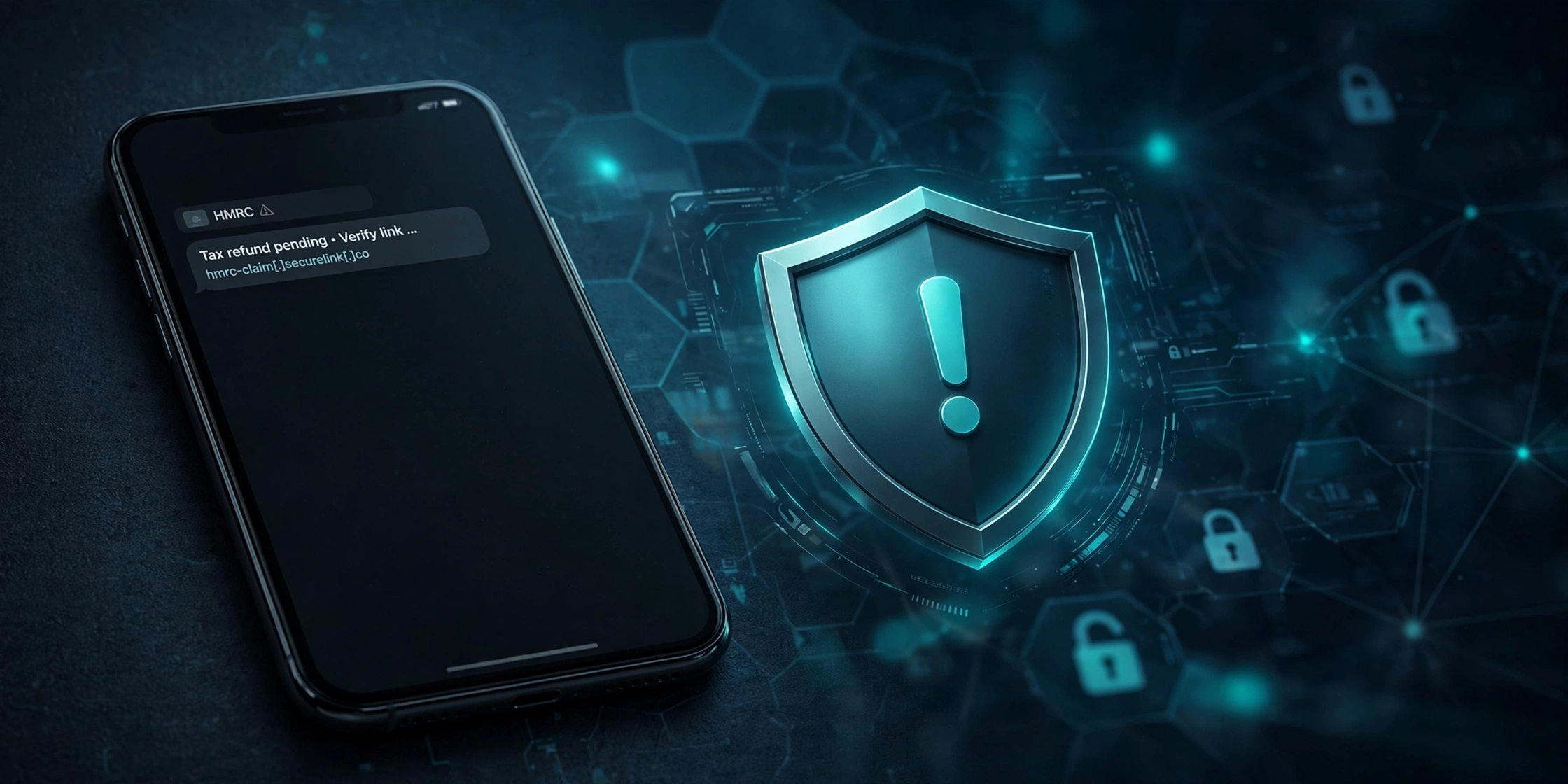
An HMRC tax refund text scam is a fake message that claims you are owed a tax refund. HMRC never offers tax refunds by text or email. Any message that asks you to click a link to claim a refund is a scam. Forward the text to 7726 and delete it.
What the HMRC tax refund text scam looks like
The message usually arrives out of the blue. It claims to be from HMRC and says you have overpaid tax. It asks you to click a link to claim your refund before a deadline. The message often mentions a specific amount, such as 240 pounds, to make it feel believable.
A typical scam message reads something like this: “HMRC: Records show you have an outstanding tax refund of 243.60. Please follow the link to claim it within 24 hours.” The wording changes, but the pattern stays the same: a refund offer, a link, and pressure to act fast.
Clicking the link takes you to a fake website that copies the look of GOV.UK. It asks for your name, address, and bank details so the “refund” can be paid. In reality, you are handing your personal and financial details straight to criminals.
This type of scam is called smishing. Smishing means phishing by text message. If you want a wider view of how these attacks work, read our guide on how smishing scams work in general.
Why scammers love the HMRC brand
HMRC is one of the most impersonated organisations in the UK. Almost everyone pays tax, so the message feels relevant. The HMRC name carries authority, which makes people hesitate to question the message. Criminals exploit that trust.
These scams spike around key dates. Self Assessment season runs from October to January, and millions of people are thinking about tax at that time. Scammers time their messages to match. A refund text feels plausible when you have just filed a return.
Money is a powerful lure. A message saying you are owed money triggers a different reaction from one asking you to pay. People drop their guard because the message promises a gain, not a loss.
7 red flags that give the scam away
1. It offers a refund by text. HMRC never offers tax refunds by text or email. This single fact exposes almost every HMRC refund message as a scam.
2. It contains a link. Genuine HMRC texts do not include links offering refunds or asking you to claim money. Any refund text with a link is fake.
3. It asks for bank details. HMRC does not ask for personal or financial details by text. If a message asks for your sort code and account number, it is a scam.
4. It creates urgency. Scam texts use deadlines like “claim within 24 hours” or “your refund expires today”. The pressure is designed to stop you thinking.
5. It comes from a mobile number. Genuine HMRC texts come from the sender name “HMRC”, not a random mobile number. Even so, sender names can be faked, so never rely on this alone.
6. It uses a shortened or odd link. Scam links often use URL shorteners or web addresses that look slightly wrong. A real GOV.UK page never lives on a shortened link.
7. It addresses you generically. HMRC knows your name and tax details. A genuine message would not open with “Dear customer” while asking for your bank details.
Does HMRC ever send tax refund texts?
No. HMRC never sends texts or emails about tax refunds, and it never includes links to claim money. This is HMRC’s stated policy, and it is the fastest way to judge any message. A text about a tax refund is always a scam.
HMRC does send some legitimate texts, for example reminders about payments or deadlines. Those genuine messages come from the sender name “HMRC” and never include links offering refunds or asking for bank details. Even then, criminals can spoof the sender name, so treat the sender name as a hint, not proof.
Genuine tax refunds are handled through your Personal Tax Account on GOV.UK, or they arrive by cheque. HMRC does not need you to click a link in a text to pay you money it owes you.
How to check if an HMRC message is genuine
Log in to GOV.UK directly. If you think you might be owed a refund, sign in to your Personal Tax Account by typing gov.uk into your browser yourself. Never use a link from a message. If HMRC owes you money, it will show there.
Check HMRC’s published guidance. HMRC publishes examples of genuine and phishing messages on GOV.UK. Compare what you received with the official examples before you take any action.
Contact HMRC the safe way. If you are unsure, call HMRC using a number from the official GOV.UK contact pages. Do not call a number given in a suspicious message.
Ask one simple question. Does the message ask you to click a link, claim money, or share bank details? If the answer is yes, it is not from HMRC.
Texts are only half the story. Criminals also send fake HMRC emails with the same refund lure, so it pays to know how to tell if an email is phishing.
What to do if you received a scam text
Do not click the link. Do not reply to the message either. Replying tells the scammers your number is active.
Take a screenshot. Keep a copy of the message and the sender details. You may need it if you report the scam later.
Forward it to 7726. Forward the whole scam text to 7726. This service is free and it sends the message to your mobile provider so they can block the number. It works on all major UK networks.
Report it to HMRC and the national centre. Report HMRC-branded phishing to phishing@hmrc.gov.uk. You can also report phishing emails to report@phishing.gov.uk. HMRC also accepts scam text reports sent to 60599.
Delete the message. Once you have forwarded and reported it, delete the text so nobody else using your phone can click it by mistake.
What to do if you clicked the link or shared your details
Call your bank first. If you entered bank or card details, contact your bank immediately using the number on the back of your card. You can also call 159, the Stop Scams UK number, which connects you safely to your bank. Ask them to watch for suspicious transactions.
Change your passwords. If you shared login details, change those passwords straight away. Start with your email account, because criminals use email access to reset your other accounts.
Report it to Action Fraud. Report the fraud to Action Fraud at actionfraud.police.uk or on 0300 123 2040. You will get a crime reference number, which your bank may ask for.
Watch for follow-up scams. Criminals sometimes pose as recovery services and offer to get your money back for a fee. These are scams too. No legitimate organisation charges you to recover stolen money.
FAQs
Does HMRC send text messages about tax refunds?
No. HMRC never offers tax refunds by text or email. Any message that asks you to click a link to claim a refund is a scam. Genuine refunds are handled through your Personal Tax Account on GOV.UK or paid by cheque.
What number do I forward scam texts to?
Forward scam texts to 7726. The service is free and works across UK mobile networks. It reports the message to your provider so they can investigate and block the sender.
I clicked the link in a scam text. Am I in danger?
Act quickly. If you entered any personal or bank details, call your bank now and change your passwords. Report the fraud to Action Fraud. If you only opened the link and entered nothing, you are at much lower risk, but stay alert for suspicious activity.
How does HMRC actually pay a tax refund?
HMRC shows genuine refunds in your Personal Tax Account on GOV.UK, or pays them by cheque. You can check for yourself by signing in at GOV.UK. HMRC will never ask you to click a text link to receive a refund.
Can scammers fake the sender name HMRC?
Yes. Criminals can spoof the sender ID so a text appears to come from “HMRC”. That is why you should never judge a message by its sender name alone. The content of the message matters more: a refund offer with a link means it is a scam.
The bottom line
HMRC tax refund texts are always scams. HMRC never offers refunds by text or email, and it never asks for bank details that way. When a message promises you money and asks you to click a link, forward it to 7726, report it, and delete it. Checking your Personal Tax Account on GOV.UK takes two minutes and settles the question every time.