
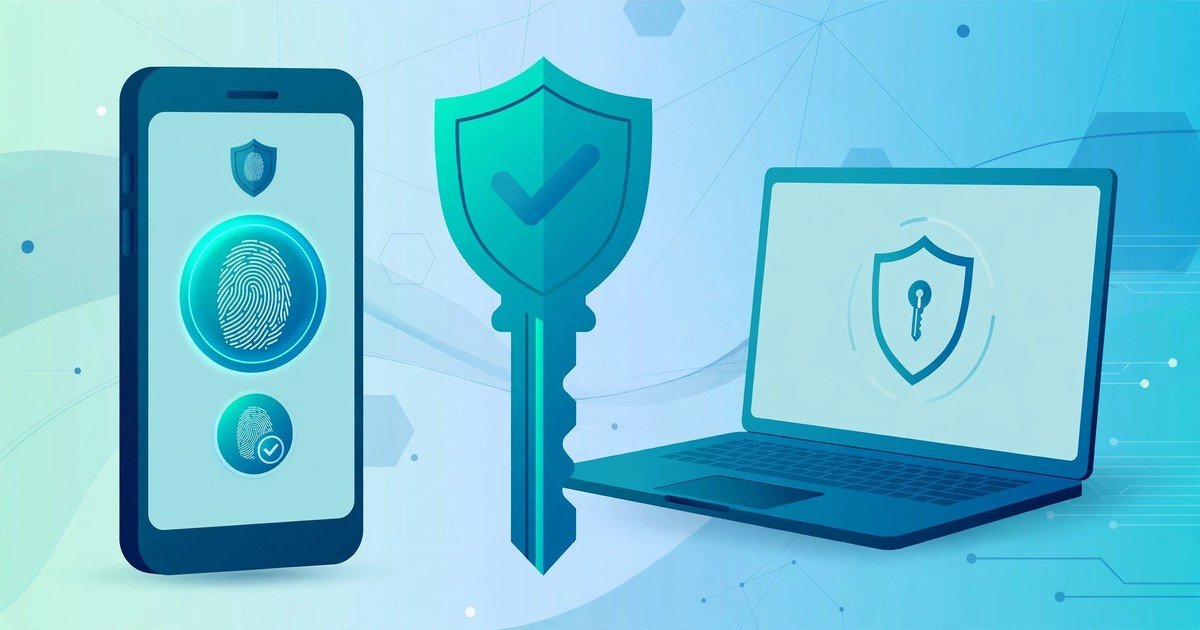
Yes, you should switch to passkeys wherever a service offers them, and keep strong passwords for everything else. A passkey lets you sign in with your fingerprint, your face, or your device PIN instead of typing a password. There is no password to forget, reuse, or hand to a phishing site by mistake. The UK National Cyber Security Centre now recommends passkeys where they are available. It describes them as at least as secure as a strong password combined with two step verification, and generally more secure. Passwords are not dead yet, though. Many services still do not support passkeys, so the smart move is a gradual switch, starting with your most important accounts.
What a passkey is
A passkey is a way to sign in without a password. When you create one, your device makes a pair of cryptographic keys. The private key stays locked on your device. The public key goes to the website or app. When you sign in, your device proves it holds the private key, and your fingerprint, face, or PIN confirms that you are the owner of the device. The private key never leaves your device, and it never travels over the internet. You do not need to remember anything, and there is nothing to type into a fake login page.
How passkeys differ from passwords
Passwords rely on something you know. Passkeys rely on something you have, your device, plus something you are or know, your fingerprint, face, or PIN. That difference removes the three biggest password weaknesses. First, phishing. A password works on any page that looks right, including a fake one. A passkey only works on the genuine site it was made for, so a copycat page cannot use it. Second, reuse. People reuse passwords across sites, so one breach can open many accounts. Each passkey is tied to one service only, so it cannot be reused anywhere else. Third, breaches. When a service is breached, stolen passwords can be cracked and tried elsewhere. A stolen public key is useless on its own, because the private key is still safe on your device. Passwords also fail in quieter ways. People pick short passwords, write them on notes, or reset them so often that they pick weaker ones each time. Passkeys remove that whole cycle. You still need to protect your device, though. A passkey is only as safe as your phone lock screen and your device account, so use a strong device PIN and keep your phone software updated.
Where you can use passkeys today
Passkey support is now widespread on major services. Google, Apple, Microsoft, eBay, and PayPal all support passkeys, and UK public services have started to roll them out too, including parts of the NHS. Google data cited by the National Cyber Security Centre puts passkey adoption at more than half of its active UK users, which shows how quickly this has moved from a novelty to a normal option. You will usually find the option in the security or sign in settings of an account, under a label such as passkeys, passwordless sign in, or security keys. On an iPhone, passkeys sync through iCloud Keychain. On Android, they sync through your Google account. On Windows, they sync through your Microsoft account or a password manager that supports passkeys. Syncing matters, because it means your passkey can follow you to a new phone or laptop without starting again.
Should you switch yet
For most people, the answer is yes, but in stages. Switch your email account first, because email is the key to resetting almost everything else. Then switch your banking, payment, and shopping accounts where passkeys are offered. Leave accounts that do not offer passkeys on strong, unique passwords, and turn on two factor authentication for those accounts. If you use a password manager, check whether it can store passkeys too, because that gives you one place to manage both. There is no need to rush every account at once. Most services still accept both methods, so you can move gradually and keep a working fallback while you learn. The UK advice is clear on the direction of travel, though. Where a passkey is available, use it. Where it is not, a strong unique password plus two step verification remains the right fallback.
How to set up a passkey
Setting up a passkey takes about a minute, and the steps are similar on most services. Sign in to the account with your current password. Open the security settings and look for the passkeys option. Choose to create a passkey. Your device will ask you to confirm with your fingerprint, face, or PIN. That is it. The passkey is saved, and your next sign in will offer it automatically. If you are offered a choice of where to save the passkey, save it in your phone or your password manager rather than on a single browser on a single computer. That way it syncs to your other devices. After you create it, sign out and sign back in once to confirm it works, before you delete anything or change other settings.
What happens if you lose your device
Losing your phone is the worry most people raise first, and it is a fair one. In practice, synced passkeys survive a lost phone, because a copy lives in your cloud account, such as your Google account or iCloud Keychain. Sign in to that account on a replacement device and your passkeys come back with it. That is why your cloud account password and its own two step verification matter so much. Protect that account well, and your passkeys stay recoverable. There are two precautions worth taking. First, keep at least one recovery method on important accounts, such as a second device, a recovery code, or a backup sign in option, until you are confident passkeys work for you. Second, do not delete your old password until you have tested the passkey and confirmed the recovery route. If a service stores passkeys only on one device with no sync, think twice before relying on it alone, and keep the password as a backup.
Passkeys vs passwords at a glance
Passkeys win on phishing resistance, because they cannot be typed into a fake site. They win on reuse, because each one works for a single service only. They win on convenience, because there is nothing to remember or reset. Passwords win on universality, because every service still accepts them, and they win on familiarity, because everyone already knows how they work. The practical verdict is a mix, not a clean swap. Use passkeys where they exist, and use a password manager for the passwords that remain. That combination gives you the security gain now, without locking yourself out of services that have not caught up yet.
FAQs
Are passkeys safer than a strong password plus two factor authentication?
Yes, according to the National Cyber Security Centre. It found passkeys at least as secure as that combination, and generally more secure, because they remove phishing and reuse entirely. A strong password plus two step verification is still good protection where passkeys are not available.
Do I still need a password manager if I use passkeys?
Yes, for now. Many accounts still need passwords, and a password manager keeps those unique and easy to find. Some password managers also store passkeys, so one tool can manage both while the switch is under way.
Can someone steal my passkey from a website breach?
No, not in a useful form. A breach can expose the public key, but the private key stays on your device. Without the private key, the public key alone cannot sign anyone in.
What if a site I use does not offer passkeys?
Use a long, unique password for that site and turn on two factor authentication. Check back from time to time, because support is spreading fast, and major services add it regularly.
Should I delete my passwords after creating passkeys?
Not straight away. Test the passkey first, confirm your recovery method works, and only then remove the password if the service lets you. Keeping a fallback for a short while costs nothing and prevents a lockout if something goes wrong.
Conclusion
Passkeys fix the problems that made passwords hard to live with. They cannot be phished, reused, or leaked in a breach in any useful form, and they are easier to use than typing a password plus a code. Start with your email, then your banking and shopping accounts, and keep a password manager plus two factor authentication for everything that has not switched yet. Passwords will be with us for a while, but the direction is set. The sooner your most important accounts move to passkeys, the fewer weak links your online life has.