
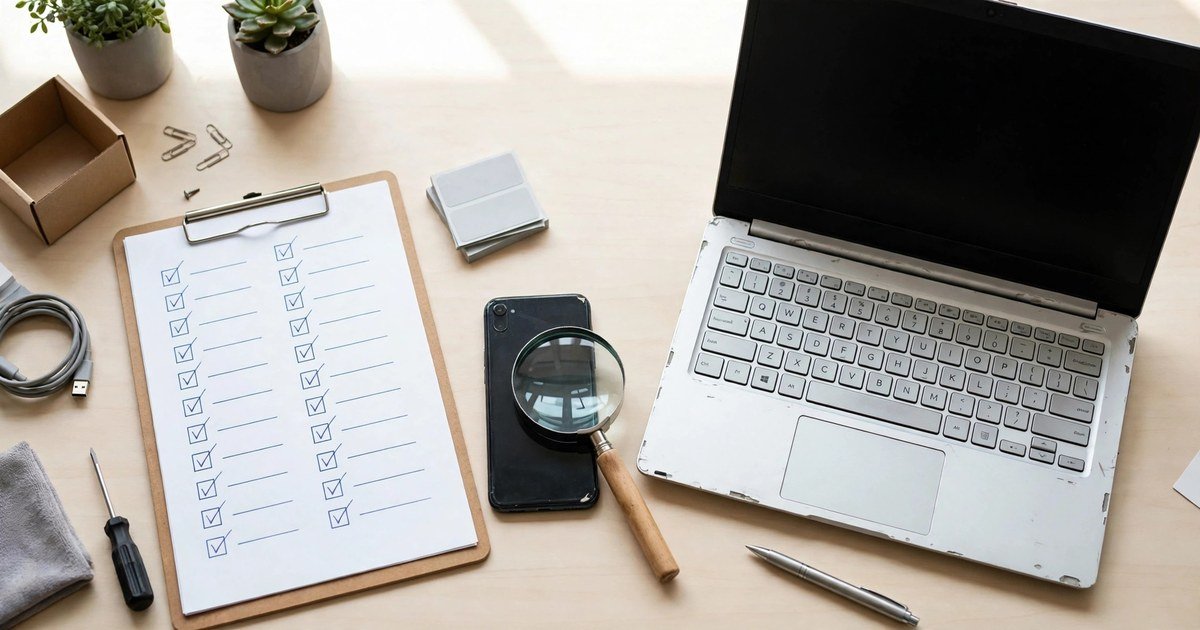
Yes, you can buy secondhand tech safely in the UK if you check the device, check the seller, and pay in a way that protects you. A used phone or laptop can save you a lot of money, but only if it is unlocked, signed out of the previous owner’s account, and still supported with security updates. This guide gives you a simple order to follow: choose a safe place to buy, run the checks before you pay, test the device properly, and know what to do if something goes wrong.
Where to buy secondhand tech
Start with the seller, not the bargain. The safest routes are the manufacturer’s own refurbished store, a well known retailer with a clear returns policy, and a specialist refurbisher that states its testing, grading, and warranty in writing. These sellers usually offer a warranty, often 12 months, and a returns window. That matters more than a slightly lower price from an unknown seller.
Marketplaces such as eBay and Facebook Marketplace can offer good deals, but the protection depends on how you pay and whether the seller is a trader or a private individual. Learn how Facebook Marketplace scams work before you deal with a private seller there. A trader must sell goods that are of satisfactory quality, fit for purpose, and as described. A private seller has a lower duty: the item must essentially be as described. That difference is worth knowing before you buy, because it changes what you can claim if the device fails.
Avoid sellers who push you off the platform, ask for payment by bank transfer to a personal account, or refuse to answer basic questions about the device. A genuine seller can tell you the model, the storage size, the battery health, and whether the device is unlocked. If those answers are vague or missing, walk away. The saving is not worth a phone you cannot use.
Refurbished, used, and open box: what the labels mean
Sellers use these labels loosely, so do not trust the label alone. Refurbished usually means a trader has tested the device, repaired it where needed, cleaned it, and reset it, and it usually comes with a warranty. Used or secondhand usually means it is sold as it is, often by an individual, with fewer protections. Open box usually means the item was returned or displayed but barely used, although you should still check it in full.
Condition grades also vary from seller to seller. One seller’s “excellent” may be another seller’s “good”. Ask what the grade covers. Does it mean the screen is scratch free, or only that the device works? Are photos of the actual device available, or only stock photos? A clear grade description, real photos, and a written warranty tell you far more than a single word grade.
Checking a used phone before you pay
A phone has a few checks that can save you from an expensive mistake. Do them in this order, and do not pay until they pass.
First, check the IMEI. The IMEI is the phone’s unique identifier. Ask the seller for it before you buy, and run it through an IMEI checking service to see if the phone has been reported lost or stolen. A blacklisted phone can be blocked by UK networks, which can make it useless for calls and data. Also check that the IMEI in the phone settings matches the IMEI on the box or receipt. A mismatch is a serious warning sign.
Second, check the locks. The phone should be signed out of the previous owner’s account. On an iPhone, that means Find My is off and there is no Activation Lock. On an Android phone, that means the previous Google account has been removed so factory reset protection does not lock you out. Test this yourself if you can. Ask the seller to set the phone up in front of you, or to show you that it reaches the welcome screen after a reset. Also check the network lock. If the phone is sold as unlocked, put in a SIM from a different network and make a test call.
Third, check battery health and software support. On an iPhone, go to Settings, then Battery, then Battery Health. A figure below 80 percent means the battery is degraded, and you should factor a replacement into the price or ask for a different device. On Android, battery health is harder to find, so ask the seller for it in writing and check it with a battery app after you buy. Also check that the model still receives security updates. An older phone that no longer gets updates is a security risk, even if it still works well.
Fourth, test the hardware. Check the screen for dead pixels and cracks, test touch across the whole surface, and try the cameras, speakers, microphones, buttons, charging port, Wi-Fi, Bluetooth, and mobile data. Look for signs of a non genuine screen or battery, such as poor touch response or a battery reading that looks wrong. If the seller will not let you test the phone, do not buy it.
Checking a used laptop before you pay
Laptops need a different checklist, because the expensive faults hide inside. Start with the basics. Confirm the exact model, processor, memory, storage size, and screen size against the listing. Boot the laptop yourself, and check that it reaches the desktop without a password you do not know. A laptop that is still locked to a previous owner, a company account, or a BIOS password can be very hard to use.
Check the battery next. Look at the battery health or cycle count in the system settings, and ask how long the battery lasts on normal use. A high cycle count means a replacement may be due soon, and that cost should be reflected in the price. Then test the keyboard, trackpad, webcam, speakers, and every port. Open a few apps, connect to Wi-Fi, and listen for loud fans or strange noises under load. Check the screen for dead pixels, flicker, and hinge damage.
Ask about the storage and the charger. A laptop with a failing hard drive or a faulty charger can cost more to fix than you saved. Check that the charger is the correct one for the model, and that the laptop charges steadily. If you are buying a Windows laptop, check that Windows is activated and that the device is not enrolled in a company management system. If it is, the previous owner or company may still control it, and you should not buy it.
Safe payment methods
How you pay decides how much protection you have if something goes wrong. The safest rule is simple: pay through the platform or retailer where you bought the device, and never pay in a way that leaves no record.
Paying by credit card for an item that costs more than 100 pounds and up to 30,000 pounds can give you extra protection under Section 75 of the Consumer Credit Act, which can make the card provider jointly responsible if the seller breaks the contract. Before you enter card details on an unfamiliar seller site, learn how to check if a website is safe before entering your card details. Paying through a marketplace buyer protection scheme or PayPal Goods and Services can also give you a route to claim if the item never arrives or is not as described. Read the scheme rules before you pay, because protection often depends on keeping all messages and payment inside the platform.
Avoid bank transfer, cash on collection without a receipt, gift cards, and payment links sent by text or email. These methods are very hard to reverse, and they are the methods scammers prefer. If a seller insists on bank transfer for a marketplace deal, treat that as a red flag and walk away. Keep every message, receipt, photo, and listing screenshot until you have tested the device fully. That paper trail is what makes a claim possible.
Meeting a seller safely
If you buy in person, meet in a public place in daylight, such as inside a shop or a busy cafe, and take someone with you if you can. Do not go to a stranger’s home alone, and do not invite a stranger to yours. Tell a friend where you are going and when you expect to be back.
Test the exact device before you hand over any money. Do not accept a sealed box in place of the device you checked, and do not pay a holding deposit before you have seen the device in person. Check the device, agree the price, pay in a protected way, and get a written receipt with the seller’s name, the device model, the IMEI or serial number, and the date. If anything feels rushed or secretive, stop. A genuine seller will not mind you taking ten minutes to test a device properly.
Your rights when buying secondhand tech in the UK
Your rights depend on who you bought from. When you buy from a trader, the Consumer Rights Act 2015 says the goods must be of satisfactory quality, fit for purpose, and as described, taking account of the price and condition. If a fault appears within the first 30 days, you generally have a short term right to reject the item and get a full refund. After that, the seller usually gets a chance to repair or replace it first. When you buy online from a trader, you also usually have 14 days to cancel, starting from delivery, although you should check the seller’s returns policy for the exact steps.
When you buy from a private individual, your rights are much weaker. The item must be as described, but there is no general duty that it is of satisfactory quality, and there is no automatic returns right. That is why the checks in this guide matter more on marketplaces. Whatever route you buy through, report a fault to the seller promptly and in writing, keep the evidence, and do not wait weeks to test the device. The sooner you act, the stronger your position.
Red flags that mean walk away
Some warning signs should end the deal at once. The seller will not share the IMEI or serial number. The price is far below every other listing for the same model. The seller pressures you to pay quickly, by bank transfer, or outside the platform. The photos are stock images, or the seller refuses a live video of the device working. The phone is still signed in to someone else’s account, or the laptop asks for a password the seller cannot provide.
Other red flags are quieter but still serious. The listing hides the battery health, the grade, or the warranty. The seller cannot say whether the device is unlocked or whether it still gets security updates. The device has a mismatched IMEI, a non genuine screen, or a battery reading that does not make sense. Any one of these is enough to pause. Two or more is enough to walk away. There will always be another listing.
A quick checklist before you commit
Use this checklist for every secondhand purchase. Is the seller a trader with a warranty and returns policy, or a private seller? Does the IMEI or serial number check out, and does it match the device? Is the device signed out of the previous owner’s account and unlocked for your network? Does it still receive security updates? What is the battery health or cycle count? Have you tested the screen, cameras, speakers, ports, keyboard or trackpad, and charging? Are you paying through a protected method, with a receipt? If you can answer yes to every question, you have done the work that protects you. If you cannot, fix the missing check before you pay, or choose a different device.
FAQs
Is it safe to buy a secondhand phone in the UK?
Yes, if you buy carefully. Check the IMEI, confirm the phone is signed out and unlocked, check battery health and software support, and pay through a protected method. Phones bought without those checks carry the biggest risk of being blocked, locked, or faulty.
How do I check if a used phone is stolen?
Ask the seller for the IMEI before you buy, and run it through an IMEI checking service to see if it has been reported lost or stolen. Also check that the IMEI in the settings matches the box or receipt. If the seller will not share the IMEI, do not buy the phone.
What battery health should I accept on a used phone?
Aim for 80 percent or higher on an iPhone, or a new battery fitted by a reputable seller. Below 80 percent, the battery is degraded, and you should expect shorter battery life or budget for a replacement. Ask for the figure in writing before you pay.
Should I buy from a shop or from a private seller?
A shop or specialist refurbisher usually gives you a warranty, a returns policy, and stronger rights under the Consumer Rights Act. A private seller can be cheaper, but your rights are weaker and you must rely on your own checks. For an expensive device, the warranty is often worth the extra cost.
What should I do if the device arrives faulty?
Contact the seller promptly and in writing, explain the fault, and keep photos, messages, and the listing as evidence. If you bought from a trader, you may have a right to reject the item within 30 days or to ask for a repair or replacement. If you paid by credit card or through a buyer protection scheme, check that route as well, and act within its time limits.
Conclusion
Secondhand tech is a smart way to save money, but only when you buy with your eyes open. Choose a seller who states the warranty and returns policy clearly, check the IMEI, locks, battery, and software support, test the device in full, and pay in a way that protects you. That order takes a little extra time, and it is the time that separates a bargain from a costly mistake. Buy the device that passes every check, keep your receipt and evidence, and enjoy the saving with confidence.